

Password Management Software: Best Options for Businesses
If your team shares logins through a spreadsheet, a group chat, or a sticky note on someone’s monitor, you’re not alone. You’re also one phished employee away from a very bad week.
Stolen or weak credentials show up again and again in breach reports, including the Verizon Data Breach Investigations Report, year after year. That’s the reason password management software has moved from a nice-to-have to a basic business tool, right alongside antivirus and email security.
In this guide, you’ll learn what password management software is, which features matter most, how the leading business password managers compare, and how to roll one out without your employees revolting. Whether you run a five-person shop in Austin or manage staff across three continents, you’ll find something useful here.
What Is Password Management Software?
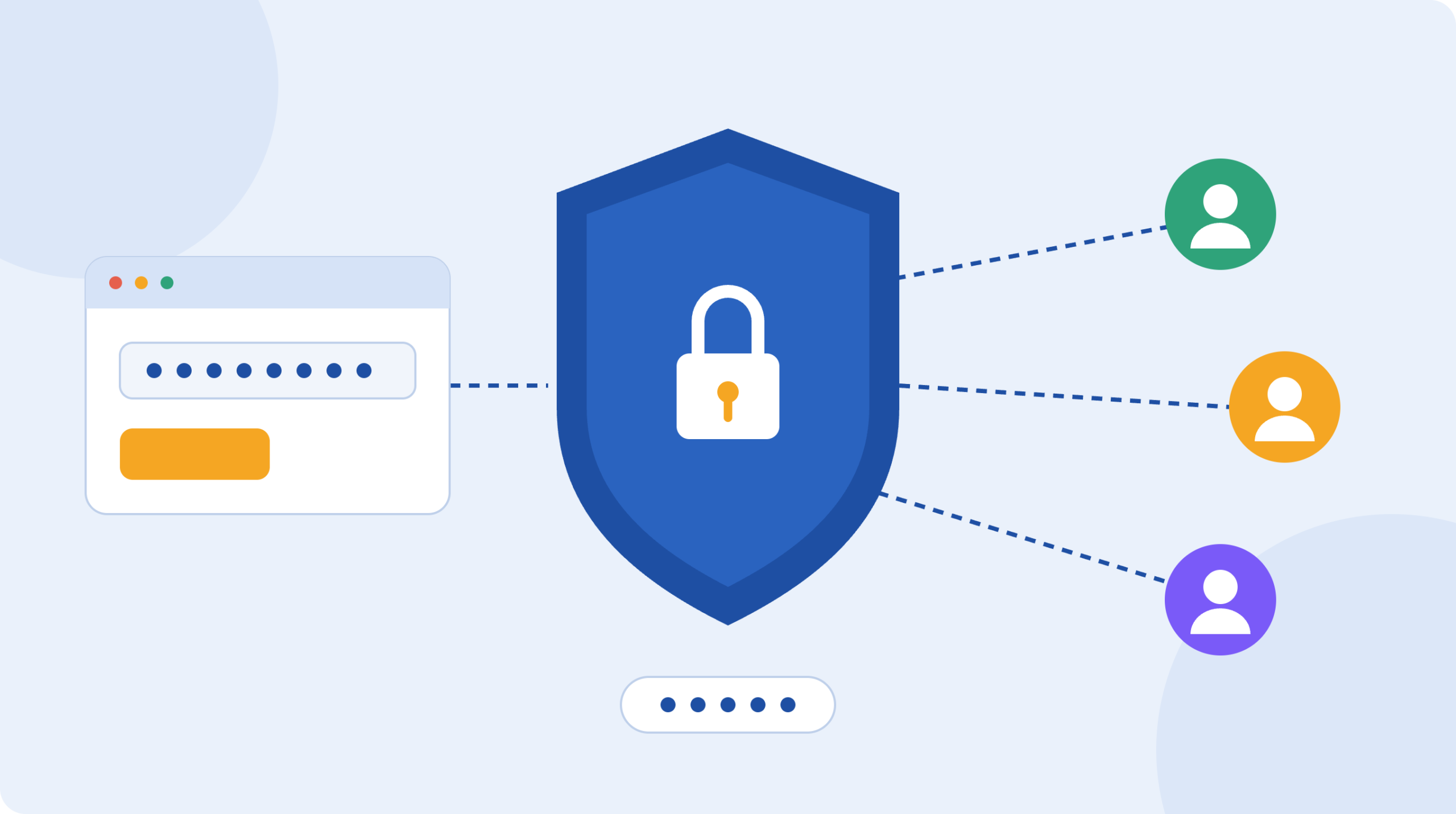
Password management software is a tool that securely stores, generates, and fills in login credentials so people don’t have to remember or reuse passwords. Everything sits inside an encrypted password vault, and users unlock it with a single master password, often combined with biometrics or a security key.
For businesses, the idea goes further than personal use. A business password manager gives admins control over who can see which credentials, lets teams share logins safely, and records who accessed what. That last part matters when an employee leaves or an auditor comes knocking.
How a Password Vault Actually Works
When you save a login, the app encrypts it on your device before it goes anywhere. Most reputable tools use a “zero-knowledge” design, which means even the vendor can’t read your data. The encrypted vault then syncs across your laptop, phone, and browser, so your credentials follow you around.
The browser extension recognizes login pages and fills in the details. The built-in generator creates long, random passwords like a 20-character string nobody could guess or remember, and nobody needs to.
Why Businesses Need a Team Password Manager
Here’s a situation I’ve seen play out more than once. A marketing manager leaves, and nobody knows which social accounts, ad platforms, and vendor portals were under her personal login. Two weeks of scrambling follow.
A team password manager fixes that kind of mess. The biggest benefits are:
- Fewer breaches from reused passwords. If one site gets hacked, attackers try the same login everywhere else. Unique passwords stop that chain reaction.
- Safe sharing. You can give a contractor access to one account without ever typing the password into Slack.
- Faster onboarding and offboarding. Access gets granted or pulled in minutes.
- Less IT burden. Password reset tickets are one of the most common help desk requests. A good manager cuts them down.
- Compliance support. Frameworks like SOC 2, HIPAA, and ISO 27001 expect controlled access to sensitive systems, and audit logs help prove it.
Business password security isn’t only about technology, either. It’s about removing the human shortcuts that make breaches easy.
Key Features to Look for in Business Password Management Solutions
Not every tool fits every company. Before you compare names, decide which features you can’t live without.
Secure Password Sharing for Teams
Look for shared folders or collections with role-based permissions. Some people need view-only access, others need edit rights. The best tools let you share a login without revealing the actual password, so the user can sign in but can’t copy it.
Admin Controls and Reporting
A central admin console should let you enforce master password rules, require two-factor authentication, and see which employees have weak or reused passwords. Audit logs and activity reports are important for regulated industries.
Multi-Factor Authentication and Single Sign-On
A password manager is a single point of protection, so it needs strong locks. Check for support for authenticator apps, hardware keys like YubiKey, and SSO through providers such as Microsoft Entra ID, Okta, or Google Workspace.
Dark Web Monitoring and Breach Alerts
Some tools warn you when company email addresses or passwords appear in known leaks. It’s not a replacement for good habits, but it gives you an early warning.
Cross-Platform and Cloud-Based Access
A cloud-based password manager works across Windows, macOS, Linux, iOS, and Android, plus major browsers. If your team is remote or hybrid, this is non-negotiable. Self-hosted options exist too, for companies that want to keep the vault on their own servers.
Emergency Access and Recovery
What happens if someone forgets their master password, or is unavailable in a crisis? Look for account recovery options and emergency access that the admin controls.
Best Password Management Software for Businesses
There’s no single winner, because the right choice depends on your size, budget, and technical comfort. Here are the tools that come up most often in business evaluations. Pricing changes frequently, so check each vendor’s site for current numbers.
Password Business
Known for a polished interface and strong security design (it uses a secret key in addition to your master password). It’s easy to roll out to non-technical staff, and it offers solid admin tools and reporting. It sits at the higher end of the price range for small teams.
Bitwarden Teams and Enterprise
A favorite for affordable password management software. Bitwarden is open source, independently audited, and one of the cheapest paid business options. It also supports self-hosting, which appeals to IT-savvy companies. The interface is a bit less slick, but it does the job well.
Keeper Business and Enterprise
Keeper leans heavily into compliance and reporting, which makes it a common pick for healthcare, finance, and government contractors. It offers a wide set of add-ons, including privileged access features. That flexibility can push the total cost up.
Dashlane Business
Dashlane is friendly and simple, with good phishing alerts and a clean dashboard. It’s a strong choice for small teams that want something employees will actually use.
NordPass Business
NordPass is straightforward and reasonably priced, with a modern interface and good admin basics. It suits growing companies that want an easy start.
A Note on LastPass
LastPass remains widely known, but it suffered a serious breach in 2022 in which attackers obtained encrypted customer vault backups. Many businesses have since moved elsewhere. If you already use it, review its current security updates carefully and weigh your options.
Quick Comparison
| Tool | Best for | Standout feature |
|---|---|---|
| 1Password | Ease of use | Secret key plus master password |
| Bitwarden | Budget and self-hosting | Open source, low cost |
| Keeper | Regulated industries | Compliance and reporting depth |
| Dashlane | Small teams | Simple design, phishing alerts |
| NordPass | Growing businesses | Clean interface, fair pricing |
Password Manager for Small Businesses vs. Enterprise Password Management Software
The needs of a 10-person agency and a 5,000-person company are very different.
What Small Businesses Need
A password manager for small businesses should be quick to set up, easy to teach, and kind to the budget. Prioritize shared vaults, two-factor authentication, and a solid mobile app. You probably don’t need advanced privileged access management on day one.
What Enterprises Need
Enterprise password management software adds SSO and SCIM provisioning (which automatically adds and removes users from your identity provider), detailed audit trails, custom policies by department, API access, and dedicated support. Large organizations in the USA and across the EU also need to think about data residency, since regulations like GDPR affect where data is stored.
If you’re still mapping out your wider security stack, our guide to cybersecurity software for small businesses covers the features and solutions that work alongside a password manager.
How to Roll Out Employee Password Management Without the Pushback
The best tool in the world fails if people avoid it. A smooth rollout usually follows a few steps.
- Start with a pilot group. Choose a handful of people from different departments, and collect honest feedback before going company-wide.
- Import existing passwords. Most tools can import from browsers and spreadsheets. Then securely delete the old files.
- Set clear policies. Require a strong master password, mandatory two-factor authentication, and a rule that shared accounts live in the vault only.
- Train briefly, not endlessly. A 30-minute walkthrough with real examples beats a 60-page handbook.
- Run a weak-password cleanup. Use the built-in security report to find reused or old passwords, then fix the riskiest ones first, such as banking, email, and admin accounts.
- Review regularly. Check access every quarter, and remove people who’ve changed roles or left.
One tip from experience: tell employees why you’re doing this. When people understand it protects their own accounts too, adoption jumps.
Common Mistakes to Avoid
- Choosing on price alone. Cheap is fine, but make sure it has the admin controls and MFA you need.
- Skipping MFA on the vault. A strong master password isn’t enough by itself.
- Letting people keep personal and work logins mixed. Separate vaults keep things cleaner and safer.
- Ignoring offboarding. Revoke access the day someone leaves, and rotate any shared passwords they knew.
- Treating it as a one-time project. Password security is an ongoing habit.
Frequently Asked Questions
What is the best password management software for businesses?
There isn’t one best option for everyone. 1Password and Dashlane are popular for ease of use, Bitwarden is a strong low-cost pick, and Keeper is well suited to compliance-heavy industries. Start with your team size, budget, and security requirements, then trial two or three tools.
Is a cloud-based password manager safe for business use?
Yes, when it uses end-to-end, zero-knowledge encryption and requires multi-factor authentication. Your data is encrypted before it leaves your device, so the provider can’t read it. Look for independent security audits and a clear history of handling incidents openly.
How much does a business password manager cost?
Most tools charge per user, per month. Budget-friendly plans start at a few dollars per user, while premium and enterprise tiers cost more. Prices and promotions change, so confirm current rates on each vendor’s website.
Can employees share passwords safely with a password manager?
Yes. Password sharing for teams works through shared folders or collections with permission levels. This is far safer than email or chat, because access can be tracked, limited, and revoked at any time.
Do small businesses really need password management software?
Yes. Attackers don’t only target big companies, and smaller businesses often have fewer defenses. A password manager is one of the lowest-cost, highest-impact security steps you can take.
Final Thoughts: Make Password Security Easier, Not Harder
Good password management software takes the hardest part of security, remembering dozens of strong, unique passwords, and removes it from your employees’ shoulders. It also gives you visibility and control that spreadsheets and sticky notes never will.
Pick two or three tools from the list above, run a free trial with a small group, and see which one your team actually enjoys using. Then roll it out with clear policies and a short training session.
Ready to strengthen your wider defenses? Read our guide to cybersecurity software for small businesses and build a security stack that protects your company from the inside out.
Read More: Cyber Security Services: Types, Costs & Business Benefits
Health blog: Elesm.com