

Cybersecurity Software for Small Businesses: A Practical Buyer’s Guide for 2026
Many small business owners assume hackers only go after big companies. Attackers don’t see it that way. A five-person accounting firm or a local dental clinic is often an easier target than a bank, because it usually has fewer defenses and no dedicated IT team. Criminals also don’t pick victims by hand. Automated tools scan the internet for weak spots and hit whoever answers.
If you’re looking for cybersecurity software for small businesses, you probably want straight answers. What do you actually need? What will it cost? Where do you start without a security degree?
This guide covers the main types of business security software, what each does, how to choose without overspending, and a simple order for putting it all in place.
What Is Cybersecurity Software for Small Businesses?
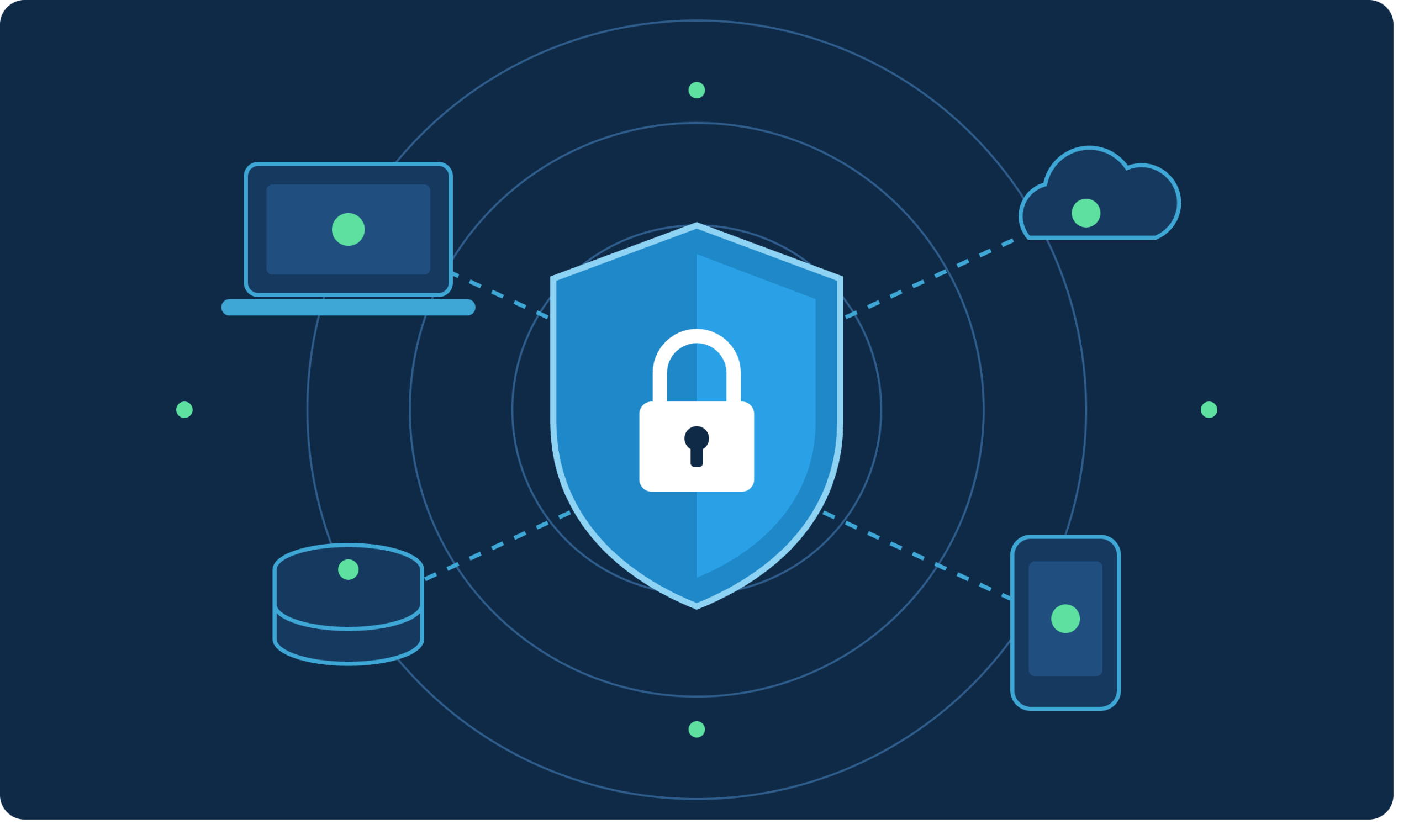
Cybersecurity software for small businesses is a set of tools that protect your computers, network, email, cloud accounts, and customer data from malware, phishing, ransomware, and unauthorized access. Unlike enterprise suites, small business cybersecurity solutions are built to be easy to set up, cheap per user, and manageable without a full-time security team.
Most small businesses don’t need one giant product. They need a few layers that work together. Think of it like locking up a shop: a lock on the door, an alarm, a safe for the cash, and cameras. No single item does everything, but together they make a break-in much harder.
Why Small Businesses Are a Prime Target
Small companies hold valuable things: customer records, payment details, employee data, and access to bigger partners. Verizon’s annual Data Breach Investigations Report has repeatedly shown that businesses of all sizes get hit, and ransomware and stolen credentials show up again and again.
Here’s what that looks like in real life:
- A bookkeeper opens an invoice attachment that looks legitimate and installs ransomware that locks every file on the shared drive.
- An employee reuses a password that leaked in an old breach, and an attacker logs in to the company email.
- A cloud storage folder gets set to “anyone with the link,” and customer files end up searchable.
None of these needs a sophisticated hacker. They need one small mistake, and good business security software is designed to catch that mistake before it becomes a crisis.
The financial side is harsh too. Beyond ransom demands, there’s downtime, legal exposure, lost customers, and in many places mandatory breach notification. Many small firms struggle to recover from a serious incident, which is why prevention costs far less than cleanup.
The Core Types of Business Security Software
Here are the categories that matter most, in the order most small businesses should think about them.
Endpoint Protection for Small Businesses
An endpoint is any device that connects to your systems: laptops, desktops, phones, tablets. Endpoint protection for small businesses goes beyond a basic virus scanner. Modern tools use behavior monitoring to spot suspicious activity, such as a program suddenly encrypting hundreds of files, even when the threat has never been seen before.
Look for these features:
- Real-time malware and ransomware protection
- Automatic rollback or file recovery after an attack
- A central dashboard so you can see every device in one place
- Mobile device coverage
Microsoft Defender for Business, Bitdefender GravityZone, Sophos Intercept X, and CrowdStrike Falcon Go are widely used options in this space. Prices change often, so check each vendor’s current plans.
Business Antivirus Software
Standard business antivirus software is the baseline. If your budget is very tight, it’s the minimum you should have. The difference from consumer antivirus is management: business versions let you deploy, update, and monitor protection across all your devices from one console, instead of hoping each employee keeps their own software current.
Many vendors now bundle antivirus into broader endpoint plans, so you may not need to buy it separately.
Small Business Network Security
Your network is the road everything travels on. Small business network security usually means a business-grade firewall, secure Wi-Fi, and in some cases a VPN for remote staff.
Key pieces include:
- A next-generation firewall. Unlike the basic router your internet provider gave you, it inspects traffic and blocks known bad activity. Brands like Fortinet, Ubiquiti, WatchGuard, and Cisco Meraki make small-office models.
- Separate guest Wi-Fi. Customers and visitors should never share a network with your point-of-sale system or file server.
- DNS filtering. Services like Cloudflare Gateway or Cisco Umbrella block access to known malicious websites before a page even loads.
- A VPN or zero-trust access tool for employees working from home or traveling.
Data Protection Software for Businesses
Even great defenses fail sometimes, so your last line of defense is being able to recover. Data protection software for businesses covers backup, encryption, and data loss prevention.
A solid backup follows the 3-2-1 rule: three copies of your data, on two different types of storage, with one copy offsite or in the cloud. Just as important, one copy should be isolated so ransomware can’t reach it. Tools like Veeam, Acronis, and Backblaze are common choices. Test your restores at least a couple of times a year, because a backup you’ve never tried to restore is only a hopeful guess.
Encryption matters as well. Turn on full-disk encryption (BitLocker on Windows, FileVault on Mac) so a lost or stolen laptop doesn’t become a data breach.
Cloud Security for Small Businesses
Most small teams now live in Microsoft 365, Google Workspace, Dropbox, or Slack. Cloud security for small businesses starts with using the security features you already pay for, then adding tools where gaps remain.
Priorities:
- Multi-factor authentication (MFA) on every account, especially email and admin accounts.
- A password manager such as 1Password, Bitwarden, or Dashlane, so employees stop reusing passwords.
- Email security that filters phishing and malicious attachments. Phishing remains one of the most common ways in.
- Access reviews. Remove accounts for former employees and limit who can see sensitive folders.
If you can only do one thing this week, turn on MFA. It blocks a large share of account takeover attempts at almost no cost.
How to Choose the Best Cybersecurity Software for Small Businesses
Reviews will give you a long list of products. These questions help you narrow it down.
Start With What You Need to Protect
List your devices, the systems you use, and where your sensitive data lives. A graphic design studio working entirely in the cloud has different needs than a medical office with an on-site server and strict privacy rules.
Check Compliance Requirements
Your industry may come with rules that shape your choices. In the United States, that might include HIPAA for healthcare, PCI DSS for anyone taking card payments, or state privacy laws like the California Consumer Privacy Act. If you serve customers in Europe, GDPR applies no matter where your business is located. Other regions have their own versions, such as the UK GDPR, Canada’s PIPEDA, and Australia’s Privacy Act. If you’re unsure which rules apply to you, a short consultation with a qualified professional is money well spent.
Be Honest About Your Technical Skills
Powerful tools you can’t manage won’t protect you. If nobody on your team enjoys tech, favor products with simple dashboards, automatic updates, and good support. A managed service provider (MSP) can also run your security for a monthly fee, which often costs less than hiring staff.
Look at Total Cost, Not Just the Sticker Price
Affordable cybersecurity software doesn’t have to mean weak. Many solid products charge per user per month, and some bundles include several tools at once. When comparing, count setup time, training, support quality, and what happens when you add employees. Free trials are worth using before you commit.
Make Sure It Fits Your Existing Tools
Good products integrate with what you already use. Check that a new tool works with your operating systems, your email platform, and your backup setup. Fewer tools from fewer vendors are usually easier to manage than a patchwork.
Quick Comparison: What to Prioritize by Business Size
| Business Size | Start With | Add Next |
|---|---|---|
| 1–5 people | Endpoint protection, MFA, password manager, cloud backup | DNS filtering, email security |
| 6–25 people | All of the above, plus a business firewall | Security awareness training, device management |
| 26–100 people | Centralized endpoint management, email security, backup with testing | Managed detection and response, incident response plan |
Treat this as a starting point. A small law firm handling sensitive client files may need more than its headcount suggests.
A Simple Order of Operations
If you’re starting from nothing, here’s a practical sequence:
- Turn on MFA everywhere. It’s free and fast.
- Install endpoint protection on every device, including phones that access work email.
- Set up automatic, tested backups with one copy kept offline or isolated.
- Deploy a password manager for the whole team.
- Update everything. Patch operating systems, browsers, and apps promptly, and replace anything that no longer gets updates.
- Train your people. Short, regular lessons on spotting phishing do more than most expensive tools.
- Write a one-page incident plan. Who do you call, and what do you shut down first, if something goes wrong?
Software is only part of the answer. The human side matters just as much, and that’s why training sits on this list.
Common Mistakes to Avoid
- Relying on free consumer antivirus alone. It lacks central management and business features.
- Buying tools and never configuring them. An unmonitored dashboard protects no one.
- Skipping backups because “we’re in the cloud.” Cloud providers don’t always protect you from accidental deletion or ransomware syncing to your files.
- Ignoring departing employees. Old accounts are a quiet risk.
- Treating security as a one-time purchase. Threats change, so review your setup at least once a year.
Frequently Asked Questions
What is the best cybersecurity software for small businesses?
There’s no single best option, because it depends on your size, budget, and industry. For most small teams, a strong starting stack is endpoint protection (such as Microsoft Defender for Business or Bitdefender), a password manager, MFA, and reliable cloud backup. Compare two or three products with free trials before choosing.
How much does cybersecurity software for a small business cost?
Costs vary widely. Basic endpoint protection often runs a few dollars per user per month, while a full set of tools with a firewall, email security, and backup costs more. Always check current vendor pricing, and weigh the cost against what even a single incident would cost you in downtime and recovery.
Do small businesses really need more than antivirus?
Yes. Antivirus alone doesn’t stop phishing, stolen passwords, or misconfigured cloud accounts. Layering endpoint protection, MFA, backups, and employee training covers the gaps that antivirus leaves open.
Can I manage business security software myself?
Often you can, especially with cloud-managed tools designed for non-experts. If you have more than a handful of employees, sensitive data, or compliance duties, consider a managed service provider to monitor and respond to alerts for you.
What is the first step to improve internet security for small businesses?
Turn on multi-factor authentication for email and other key accounts. It’s quick, usually free, and stops many common attacks.
Conclusion: Start Small, Stay Consistent
Good cybersecurity software for small businesses doesn’t require a huge budget or a technical background. It requires a plan: protect your devices, secure your network, lock down your cloud accounts, back up your data, and teach your team to spot trouble. Start with the free and low-cost steps today, then build up as your business grows.
Read More: Cyber Security Services: Types, Costs & Business Benefits
Health blog: Elesm.com